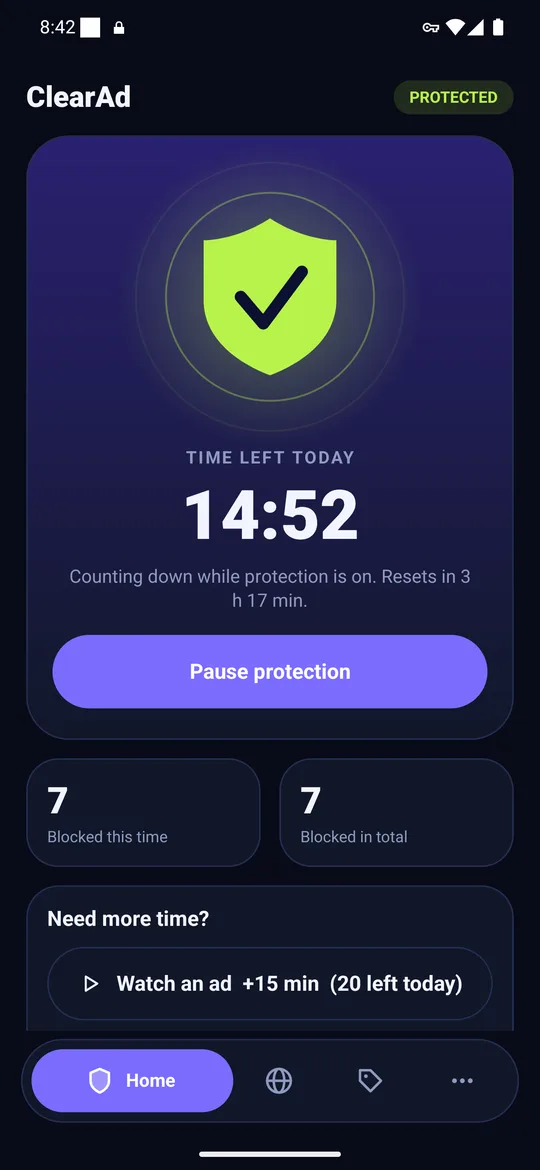
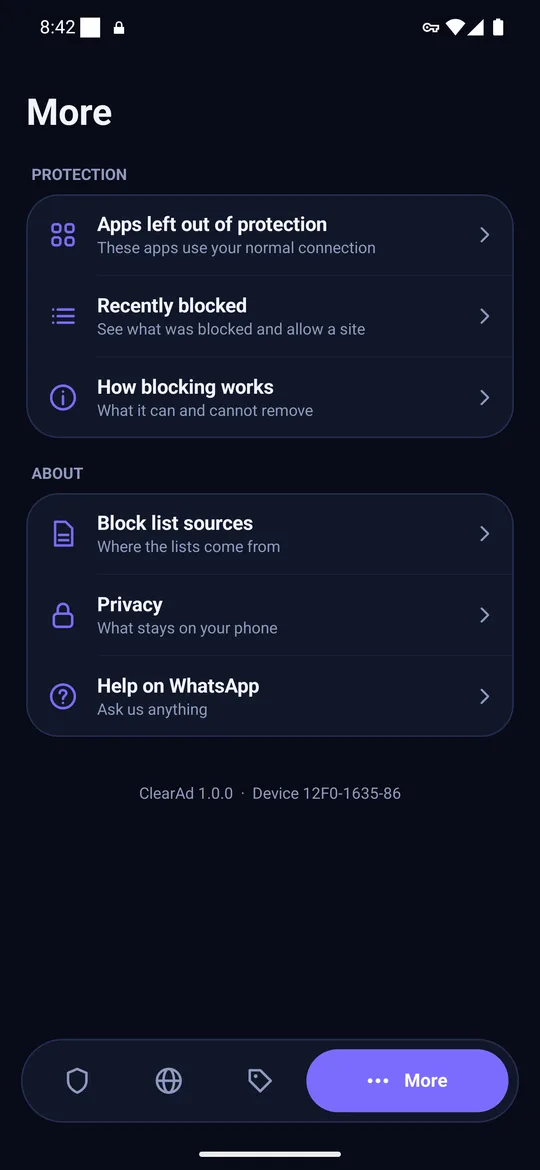
Short answer. Android Private DNS with a filtering hostname blocks many ads for free with no app, but is all-or-nothing and shows no stats. ClearAd adds per-app exemptions, an allow button for wrongly blocked names, counts and a built-in browser. If Private DNS is enough, use it; if an app breaks or you want control, use an app.
Key takeaways
- Private DNS is free, built in (Android 9+) and cannot be exempted per app.
- ClearAd needs Android 8 and a VPN slot; it adds control and counts.
- Android runs one VPN at a time, so a normal VPN will switch ClearAd off.
At a glance
| Private DNS + filtering hostname | ClearAd | |
|---|---|---|
| Cost | Free | Free daily allowance; plans from PKR 49 |
| Minimum Android | 9 | 8 |
| Install | None | APK |
| Leave one app out | No | Yes |
| Allow a wrongly blocked name | No (change provider or turn off) | Yes, one tap |
| See what was blocked | No | Yes |
| Works with another VPN | Yes | No |
| Hides ads inside web pages | No | In the built-in browser |
The honest answer
For plenty of people Private DNS is enough, and we say so. Try it first with a hostname from our checked list. If everything works and you are happy, you do not need ClearAd.
When ClearAd is worth it
- An app broke and you want to leave only that app out.
- You want proof it is working, with counts and a recent list.
- Your network overrides Private DNS or you are on Android 8.
- You browse a lot and want the built-in browser's page-level blocking.
Our long comparison is in Private DNS vs an ad blocker app.
Frequently asked questions
Do I need an ad blocker app if I use Private DNS?
Not necessarily. Private DNS is enough for basic ad reduction. An app adds exemptions, counts and an allow button.
Can I use Private DNS and ClearAd together?
Yes, but ClearAd's filter sees lookups first, so there is little benefit.
Block ads in your apps with ClearAd
No root. 15 free minutes every day. Blocks most ads, not all. Installed from this site as an APK.