On this page
- Both work by answering "no such server" for ad networks, so neither can hide ads inside a web page.
- Private DNS wins on simplicity and can run next to a normal VPN.
- An app wins on exemptions, allow-lists, counts and list control.
- Android runs one VPN at a time, so a local-VPN blocker conflicts with a normal VPN.
If you search "private DNS ad blocker" you will find two very different answers: a setting you change in thirty seconds, and a list of apps. They look like rivals, but they use the same trick. Understanding what they share, and where they differ, tells you which to use.
What they have in common
Both work at the DNS step. Before an app can download an ad, it must ask "what is the address of this ad server?" A filter answers that the server does not exist, so the download never starts. Neither reads page content, which is why neither can hide a banner that is served from the site's own address, and neither can block ads inside the YouTube app. Details are in how DNS ad blocking works.
Where Private DNS wins
- Nothing to install or update. One setting, no background service, no notification.
- No VPN conflict. You can run a normal VPN at the same time.
- No battery cost on your phone. The filtering happens on the provider's server.
- Encrypted lookups. Your network operator cannot read which names you ask for (the provider can).
Where an ad blocker app wins
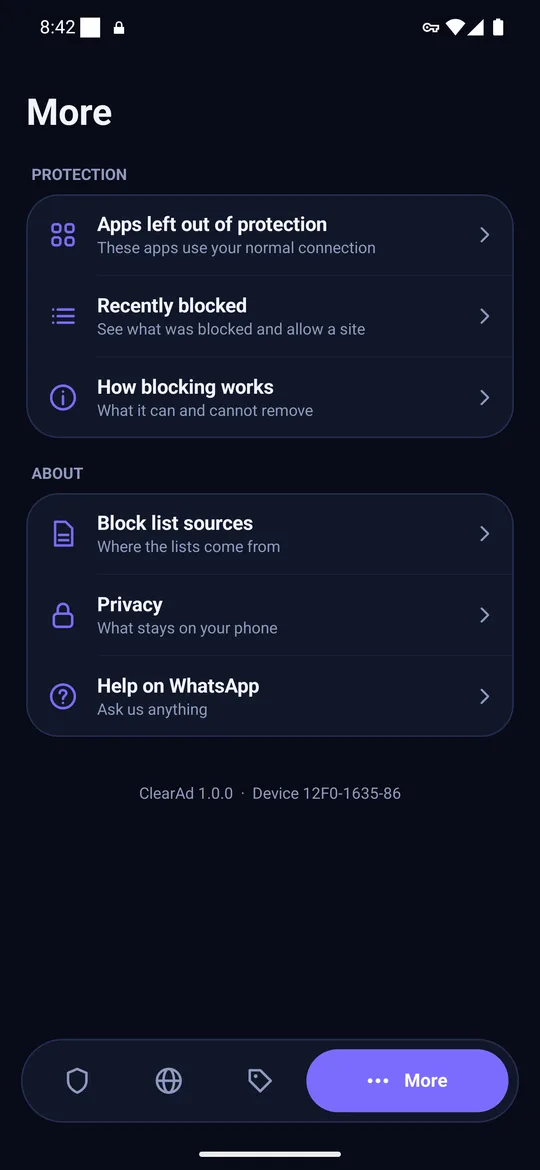
- Per-app exemptions. Leave a banking app or a video app out when it misbehaves.
- Allow one address. Fix a broken app without switching the whole filter off.
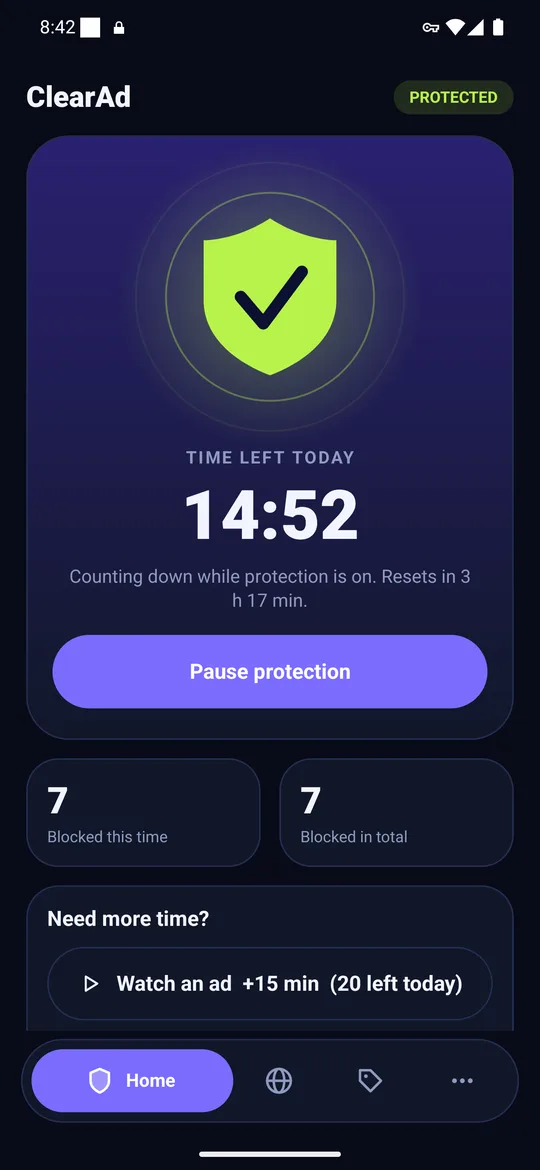
- Counts. See what was blocked, so you know it works.
- Your own lists. Update the list on your schedule, add your own entries.
- Works around networks that override DNS. Some Wi-Fi and mobile networks interfere with Private DNS; a local filter does not depend on them.
Side by side
| Private DNS | Ad blocker app (local VPN) | |
|---|---|---|
| Cost | Free | Free to paid |
| Install | None | APK or store |
| Minimum Android | 9 | Depends on the app (ClearAd: 8) |
| Exempt one app | No | Yes |
| Allow one blocked address | No | Yes |
| Counts of blocked requests | No | Yes |
| Works with another VPN on | Yes | No, one VPN at a time |
| Privacy | Provider sees names you resolve | App sees names on the phone; upstream resolver sees what is not blocked |
The VPN catch
Android allows only one VPN at a time. A local-VPN ad blocker counts as a VPN, so connecting a normal VPN turns the blocker off (and starting the blocker disconnects the VPN). If you use a work or privacy VPN all day, Private DNS is the better fit.
Our advice
Start with Private DNS. It is free and reversible. If an app breaks, if you want to see numbers, or if you are on a network that interferes, move to an app. ClearAd is built for the second case: one tap to start, exemptions, "allow this" and a daily free allowance. Compare the options in our AdGuard alternatives guide.
Frequently asked questions
Is Private DNS better than an ad blocker app?
It is simpler and free, but less controllable. An app lets you exempt apps, allow single addresses and see counts.
Can I use Private DNS and an ad blocker app together?
You can, but they overlap. The app's filter sees the lookup first. There is little benefit to running both.
Does Private DNS work on Android 8?
No. Private DNS needs Android 9 or newer. A local-VPN ad blocker app can work on older versions.
Block ads in your apps with ClearAd
No root. 15 free minutes every day. Blocks most ads, not all. Installed from this site as an APK.