On this page
- AdGuard and Mullvad hostnames below were read from the providers' own pages on 24 October 2026.
- A hostname that only secures DNS (Cloudflare, Quad9, Google) will not remove ads.
- NextDNS needs a personal configuration ID.
- Private DNS needs Android 9 or newer, and the hostname must be typed exactly.
People search for a "Private DNS ad blocker code" because Android's Private DNS field asks for a hostname, and most guides give you a different one. Some of those hostnames block ads. Many do not. This page lists the common ones, what they filter, and where we checked each.
The hostnames
| Provider | Hostname to type | What it filters |
|---|---|---|
| AdGuard DNS (default) | dns.adguard-dns.com | Ads and trackers |
| AdGuard DNS (family) | family.adguard-dns.com | Ads, trackers and adult sites |
| AdGuard DNS (non-filtering) | unfiltered.adguard-dns.com | Nothing; encryption only |
| Mullvad (ad blocking) | adblock.dns.mullvad.net | Ads and trackers |
| Mullvad (no filtering) | dns.mullvad.net | Nothing |
| NextDNS | your-id.dns.nextdns.io | Whatever you pick in your NextDNS settings; needs a free account for the ID |
| Cloudflare | one.one.one.one | Nothing; fast and private lookups |
| Quad9 | dns.quad9.net | Known malware domains, not ads |
How to set it
- Open Settings and search for Private DNS.
- Select Private DNS provider hostname.
- Type the hostname exactly, with no
https://and no trailing slash. - Tap Save. The phone connects and shows an error if the hostname is wrong or the network blocks it.
Which one should you choose?
- Just want fewer ads: AdGuard default or Mullvad ad blocking.
- Want to edit what is blocked: NextDNS, with your own settings.
- Want a kids-safe phone: AdGuard family (it also blocks adult sites).
- Want privacy but not blocking: Cloudflare or Mullvad non-filtering.
What Private DNS cannot do
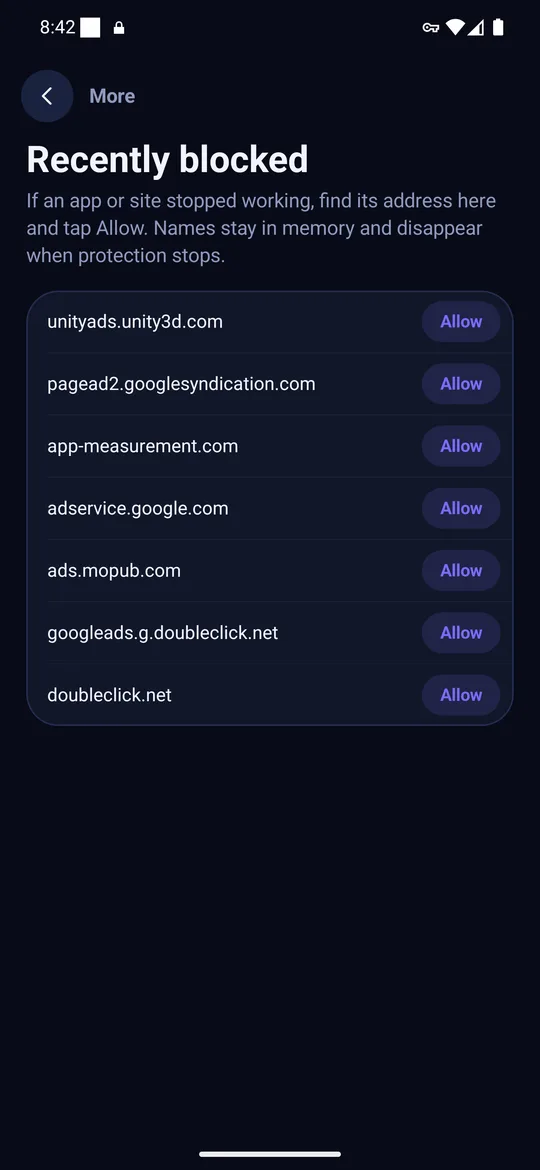
The setting is all or nothing. You cannot leave one app out, you see no counts, and it cannot remove ads that come from the same server as the content. If an app breaks you have to set Private DNS back to Automatic. For those cases a local ad blocker app is the better tool; see Private DNS vs an ad blocker app.
Troubleshooting
- "Couldn't connect" under Private DNS: the hostname has a typo, or the Wi-Fi blocks encrypted DNS on port 853. Try mobile data, or set Automatic.
- Ads still load: you picked a non-filtering hostname, or the app uses its own DNS.
- Some sites will not open: the filter blocked something the site needs. Switch to Automatic to check, then consider an app that lets you allow single addresses.
- You use a normal VPN: the VPN usually overrides Private DNS while it is connected.
Frequently asked questions
What is the Private DNS hostname for blocking ads?
dns.adguard-dns.com (AdGuard) and adblock.dns.mullvad.net (Mullvad) both block ads and trackers. Type it under Settings, Private DNS, Private DNS provider hostname.
Does 1.1.1.1 block ads?
No. Cloudflare's standard 1.1.1.1 service secures and speeds up DNS but does not filter ads.
Does Private DNS work on Android 8?
No. It needs Android 9 or newer.
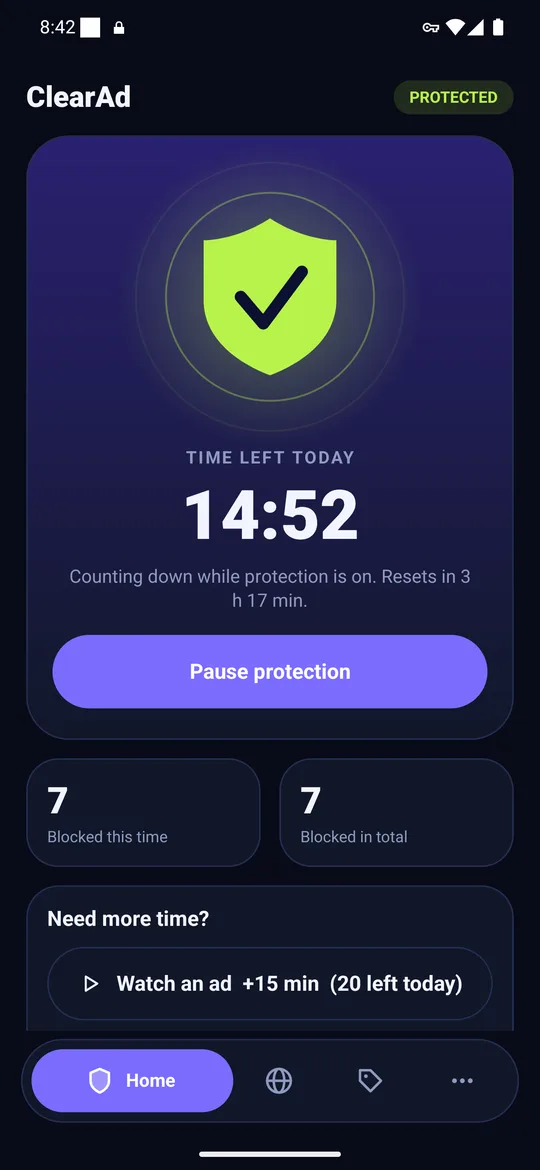
Block ads in your apps with ClearAd
No root. 15 free minutes every day. Blocks most ads, not all. Installed from this site as an APK.