Download ClearAd for Android
A private ad blocker that runs on your phone. No root, no account. Installs from this website because Google Play does not allow ad blockers.
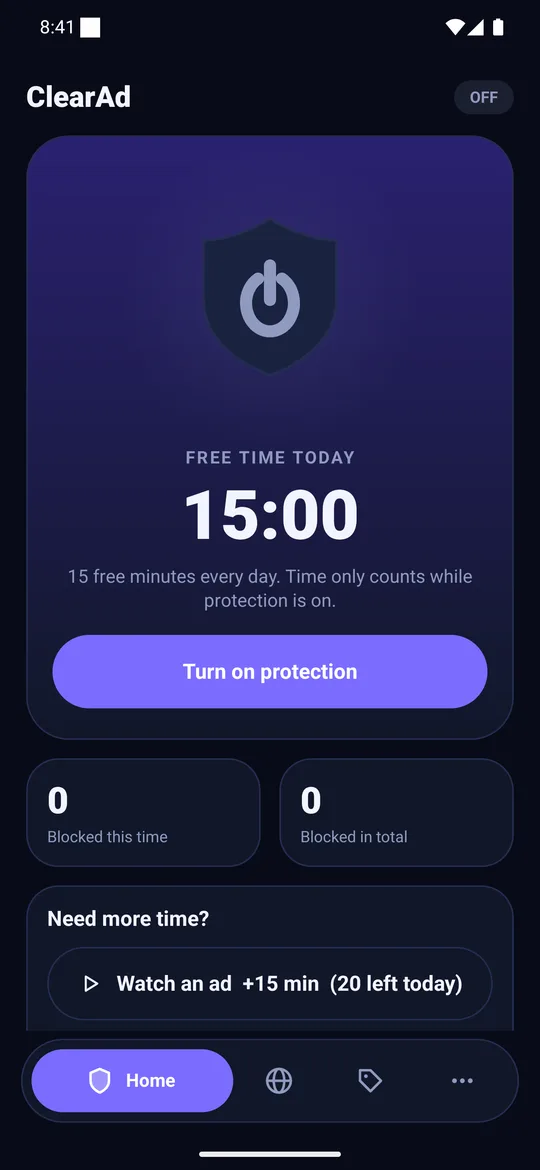
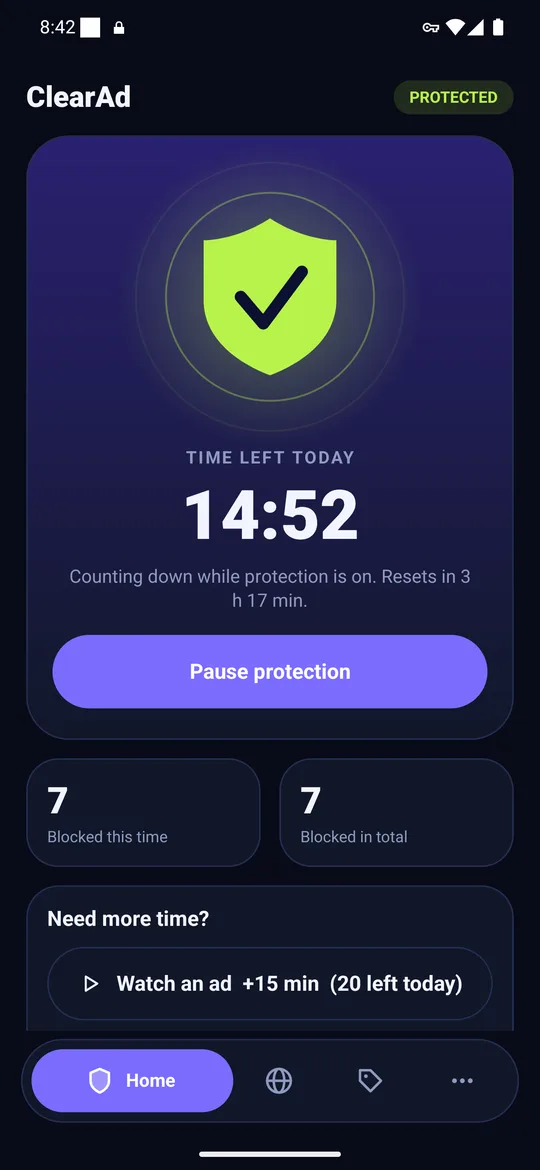
Install guide
Install ClearAd in five steps
Download
Tap Download APK below and wait for the 5 second countdown. The file saves to your Downloads folder.
Open it
Open the file from the notification or the Files app.
Allow once
If Android asks, allow your browser or Files app to install unknown apps. This is a one-time setting for that app only.
Install
Tap Install. If Play Protect asks, choose Scan app.
Tap the shield
Open ClearAd, tap Get started, then Turn on protection and accept Android’s one-time VPN prompt.
Longer version with the safety reasoning: how to install an APK safely.
Check the file (optional, recommended)
A SHA-256 checksum is a fingerprint of the file. If yours matches this one, the file is the one we published.
9d8025534842d29c2b9f47fce3de7a613f2600e5b5b2bbf7ff235319e4f9b5c0- Windows:
certutil -hashfile ClearAd-1.0.1.apk SHA256 - Mac or Linux:
shasum -a 256 ClearAd-1.0.1.apk
Requirements
| Android | 8.0 or newer |
|---|---|
| Root | Not needed |
| Permission | VPN (one time), notifications (optional) |
| Version | 1.0.1 |
| Released | 2026-10-24 |
FAQ
Download and install questions
Why is ClearAd not on Google Play?
Google Play does not allow apps that block other apps’ ads, so we distribute the APK from this website. We publish the SHA-256 of every release so you can check the file.
Why does Android warn me about this app?
Android warns about every app installed from outside a store. Allow installs for your browser or Files app once, install, then switch the permission off again.
What does Play Protect say?
It may say it has not seen the app before and offer to scan it. Choose Scan app. It is expected for apps outside Play.
How do I update ClearAd?
Download the newest APK from this page and install it over the old one. Your settings and plan stay, because every release is signed with the same key.
Does it need root?
No. It needs Android 8.0 or newer and the one-time VPN permission, which it uses only to filter address lookups on your phone.
Need help? WhatsApp or call +92 305 4258257, or email info@bizoratechnologies.com. Privacy policy · How it works