On this page
- The VPN permission lets an app route traffic, so trust in the developer matters.
- A DNS-only blocker should see lookup names, not page content.
- Never install a certificate for an ad blocker; that lets it read encrypted traffic.
- Prefer apps with a clear privacy policy, a stable signing key and published checksums.
Ad blockers on Android ask for an unusual permission: a VPN connection. That alarms people, and it should make you pause. This guide explains what the permission really allows, what a well-behaved blocker does, and how to tell a trustworthy one from a risky one.
What the VPN permission allows
When an app asks to set up a VPN, Android warns that it can monitor network traffic. That is true of every VPN app: the permission lets it route traffic through itself. A local ad blocker can be built to route only DNS lookups and nothing else, and to keep everything on the phone, but the permission itself does not enforce that. You are trusting the developer, which is why the source of the app matters.
What a DNS-only blocker can see
- It sees the names apps ask for, such as
ads.example.com. - It does not see the pages you load, your passwords, or the content of your messages. Those are encrypted and do not pass through a DNS-only filter.
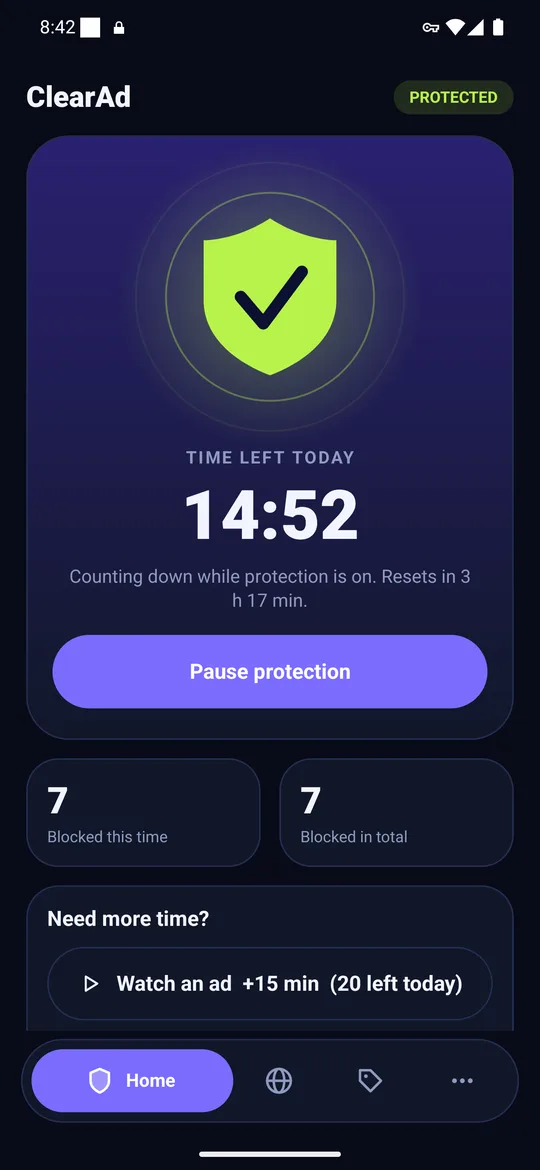
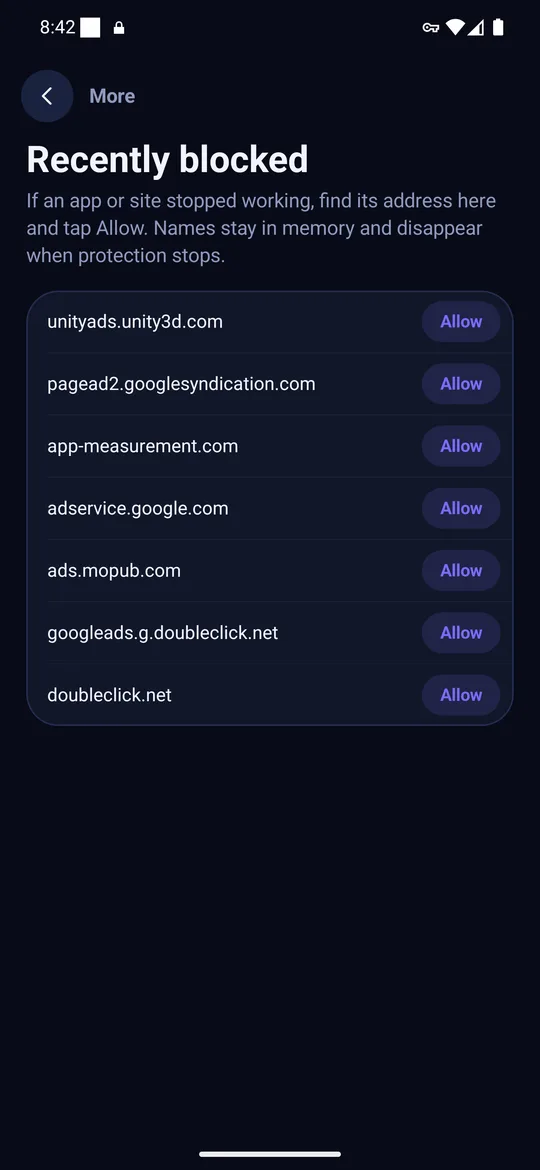
- It should not store the names. ClearAd checks them in memory and keeps only counts.
Seven checks before you install an ad blocker
- Where does it come from? The developer's official site, F-Droid or a reputable store. Not a random APK site.
- Is there a real privacy policy? It should say what stays on the phone and what leaves it.
- Does it ask for more than it needs? A DNS blocker has no reason to read contacts, SMS or location.
- Does it ask you to install a certificate? If yes, walk away. A certificate lets it read encrypted traffic.
- Does it publish file checksums? See how to install an APK safely.
- Who is behind it? A named company with contact details beats an anonymous publisher.
- How does it make money? Free blockers must earn somewhere. Understand it before you accept.
Red flags
- Promises to "block all ads everywhere" including YouTube app ads. Not possible with DNS; see why.
- Asks for accessibility access, a certificate, or device admin rights.
- Free "VPN and ad blocker" apps from unknown publishers; free VPN services often earn by selling data.
- No contact information, no privacy page, no website.
Is it safe for banking apps?
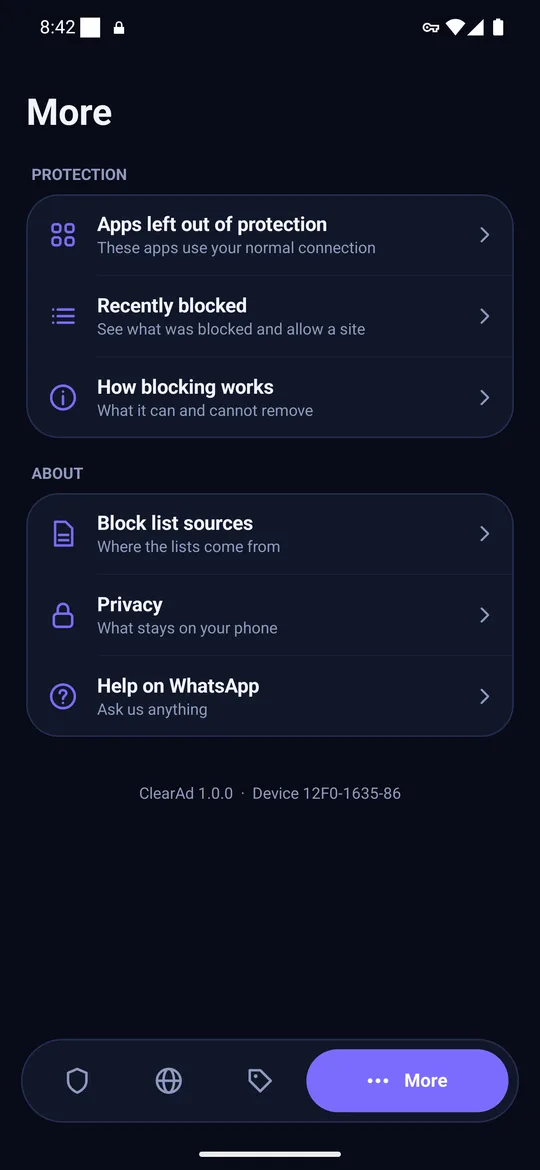
A DNS-only filter should not read banking traffic, but you can remove any doubt: leave your banking app out of protection so it uses your normal connection. Good blockers also never block payment or banking domains by default. In ClearAd, open More, then Apps left out of protection, and switch on the apps you want left alone.
Private DNS: the lower-trust alternative
If you do not want to install anything, a Private DNS hostname gives you much of the benefit with no app on the phone, though you trust the DNS provider instead. Compare them in Private DNS vs an ad blocker app.
Frequently asked questions
Is it safe to use an ad blocker on Android?
Yes if you choose a reputable one from its official source, read its privacy policy and avoid any that ask you to install a certificate.
Can an ad blocker steal my passwords?
A DNS-only blocker does not see page content or passwords. A blocker that installs a certificate could read encrypted traffic, so refuse that.
Why does an ad blocker need a VPN permission?
Android lets only a VPN service intercept DNS lookups from other apps. A local blocker uses it to see and filter those lookups on the phone.
Block ads in your apps with ClearAd
No root. 15 free minutes every day. Blocks most ads, not all. Installed from this site as an APK.