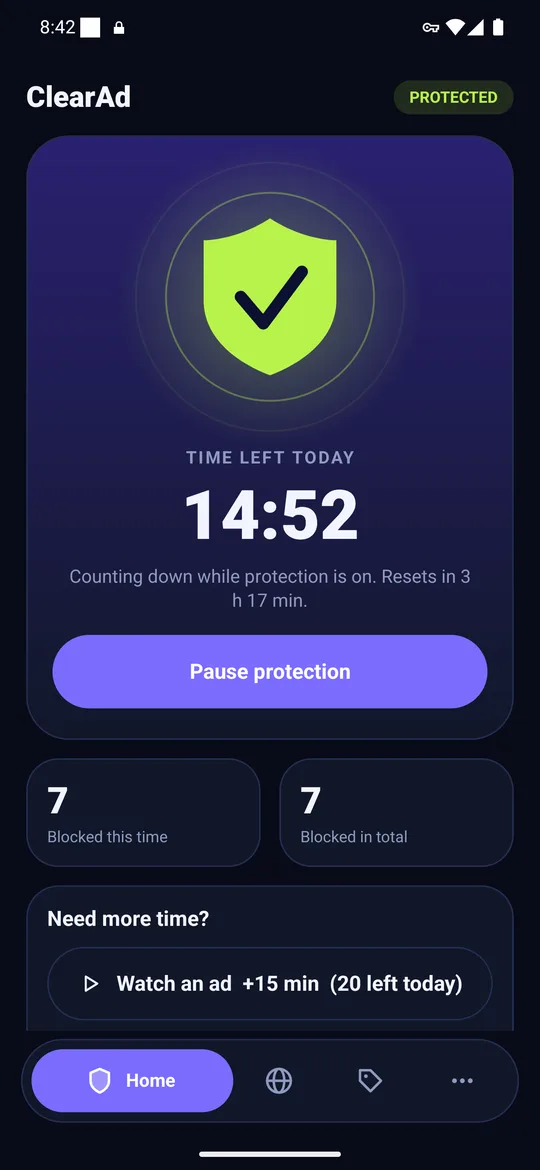
Short answer. An ad-blocking browser hides ads inside web pages because it can see the page. An ad blocker app filters ad servers for every app on the phone, but cannot see page content. For both web and apps you need both, which is why ClearAd pairs a DNS filter with its own browser.
Key takeaways
- Browsers block inside pages; DNS filters block by server name.
- Only a DNS or VPN-based tool reaches ads inside games and other apps.
- Use both for the cleanest phone.
The difference in one table
| Ad-blocking browser | ClearAd DNS filter | ClearAd + built-in browser | |
|---|---|---|---|
| Ads in games and other apps | No | Yes | Yes |
| Hide a banner inside a web page | Yes | No | Yes, in the ClearAd browser |
| Works in Chrome | Not applicable | Yes, at the DNS level | Yes, at the DNS level |
| Needs the VPN permission | No | Yes | Yes |
Why both exist
A browser controls the page, so it can remove an element and the empty space. A DNS filter controls only names, so it can stop an ad server from answering but cannot tidy up the page. Each solves a different half of the problem.
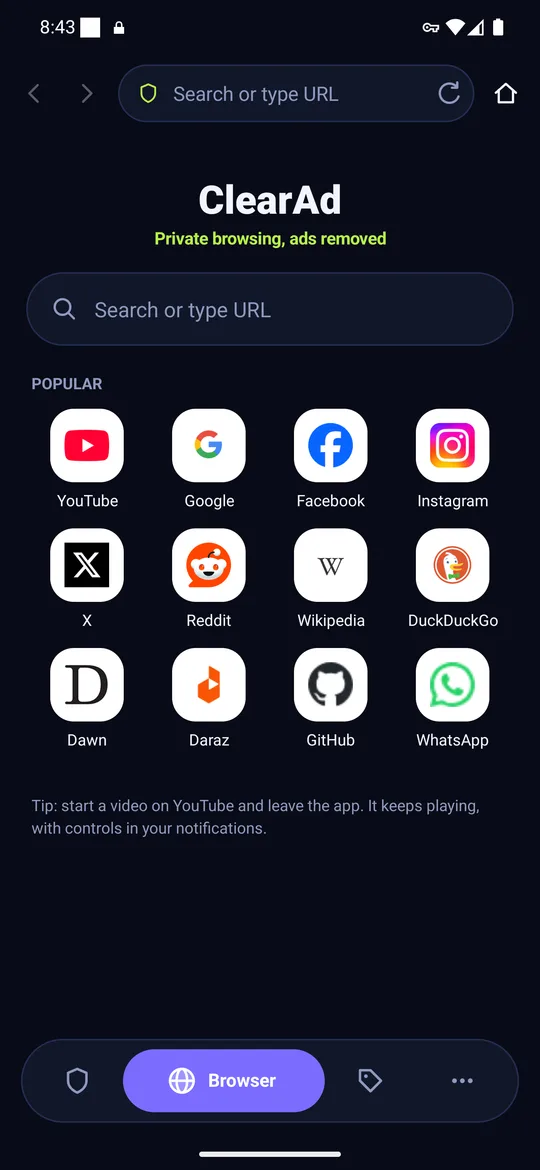
A practical set-up
- Run the DNS filter (or Private DNS) to cover every app.
- Browse the web in a blocking browser for cleaner pages.
- Leave apps out of the filter when they break; see how to stop ads in games.
Overview of all the no-root options: how to block ads on Android without root.
Frequently asked questions
Does an ad-blocking browser block ads in apps?
No. It only controls pages shown inside the browser.
Do I need both a browser and an ad blocker app?
For the cleanest result, yes: the app covers other apps, the browser cleans web pages.
Block ads in your apps with ClearAd
No root. 15 free minutes every day. Blocks most ads, not all. Installed from this site as an APK.