On this page
- Most free games fetch ads from separate ad-network servers, which a DNS filter can block.
- Rewarded-ad buttons depend on the ad loading, so blocking can break them.
- If a game hangs or goes blank, leave only that game out of the filter.
- Airplane mode removes ads from games that only show them online, with no tool.
Few things are as irritating as a thirty-second video between two levels. Most free games are funded by ad networks, and the good news is that the networks use their own servers, which makes them blockable. This guide shows how to cut ads in games without root, and what to do when a game stops working.
Why games show so many ads
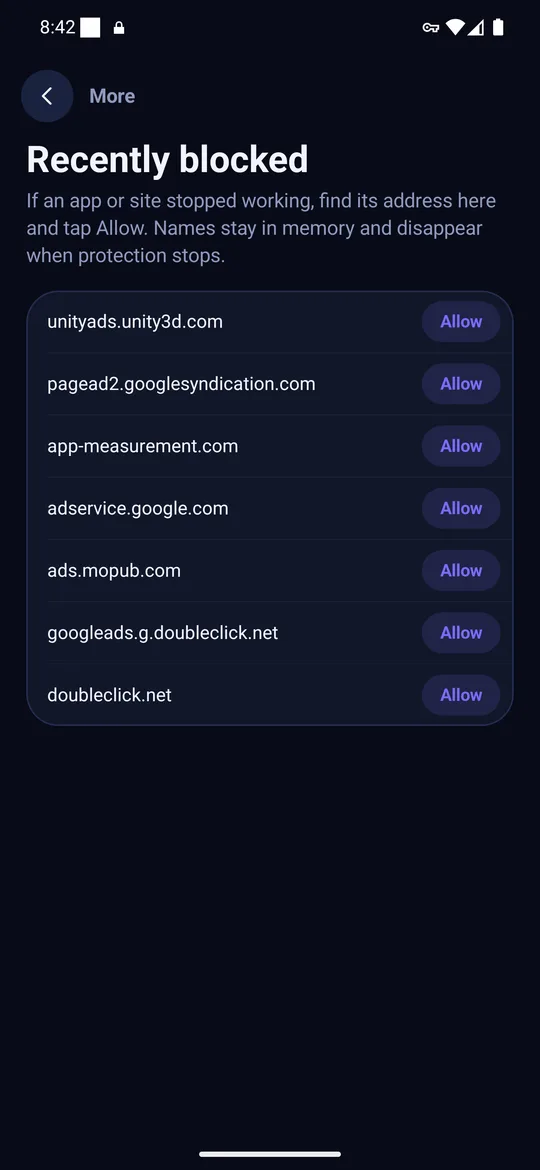
A free game is paid for by an ad SDK, a small library from a company such as an ad network. When the game wants to show an ad, the SDK contacts that company's servers, downloads the ad, and displays it. Those servers have their own names, and a filter that knows the names can answer "no such server" so the ad never arrives.
Step by step
- Install a DNS ad blocker app, or set a filtering Private DNS hostname (see how to block ads on Android without root).
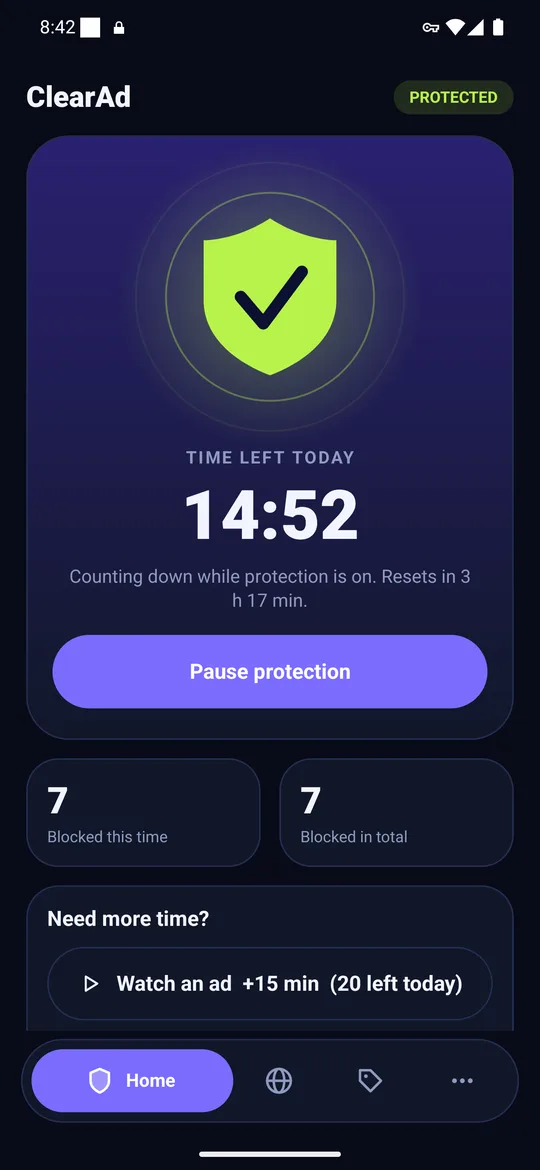
- Turn it on. In ClearAd, tap the shield and accept the one-time Android VPN prompt.
- Open the game and play a few levels. Ads between levels should disappear or fail to load.
- If the game freezes on a loading screen, shows a blank box or refuses to start, open the app list in the blocker and leave that game out.
Rewarded ads: the exception
Many games let you watch an ad to earn coins, a revive or extra time. That ad has to load for the game to hand out the reward. If you block the network, the reward button does nothing. If you want those rewards, leave the game out of the filter; if you want the game without ads, skip the reward.
Why some games break
- The game waits for an ad to finish. If the ad cannot load, the game never gets the "done" signal and hangs.
- The game uses the same server for ads and content. Rare for DNS blockers, because the lists avoid those names.
- An update changed the ad network. The new server is not on the list yet, so ads return, or the list now blocks something the game needs.
Other ways to cut ads in games
- Airplane mode. Many games only show ads online. Turn off the network and the ads stop. You lose online features.
- Pay once. A lot of games sell a one-time ad-free purchase, which also supports the developer.
- Pick offline games. Games that need no network usually have no ads.
What a DNS filter cannot do
Some games serve ads from their own servers, and some use their own DNS and skip the phone's setting. For those, expect fewer ads rather than none. Our limits explainer covers each case.
Frequently asked questions
How do I stop ads in games on Android?
Run a DNS ad blocker app or set a filtering Private DNS hostname. Both block known ad-network servers across all apps.
Why does my game freeze when I block ads?
The game may wait for an ad to finish loading. Leave that game out of the filter and it will work again.
Will I still get rewards for watching ads?
Not if the ad network is blocked. Leave the game out of the filter when you want rewards.
Block ads in your apps with ClearAd
No root. 15 free minutes every day. Blocks most ads, not all. Installed from this site as an APK.