On this page
- The rule is in Google Play's Device and Network Abuse policy.
- AdGuard says its full Android app left Play on 25 November 2014.
- Browser content blockers can stay on Play; system-wide ones cannot.
- Outside Play, you must check the source and the file yourself.
If you search Google Play for an ad blocker, you will find browsers and a few helper apps, but not the system-wide blockers people recommend. That is not an accident, and it is useful to understand before you install one from somewhere else.
What the policy says
Google Play's Device and Network Abuse policy lists, among its violations, "apps that block or interfere with another app displaying ads", and states "Don't block or interfere with another app displaying ads." A blocker that filters ads in other apps falls under that rule, which is why those apps are not published on Play.
Separately, Google's policy on the VPN service API allows VPN use when VPN is the core function or a remote server is needed for a core feature, and says apps must not redirect or manipulate other apps' traffic for monetization. A local VPN built only to filter ads is not on the list of allowed uses.
The AdGuard precedent
AdGuard says its full Android ad blocker was removed from Google Play on 25 November 2014 and is distributed from its website and other stores such as AppGallery, Mi Store and Samsung Galaxy Store. Only its in-browser Content Blocker stays on Play. That route, a direct APK plus alternative stores, is the established one for this category.
Why payments matter too
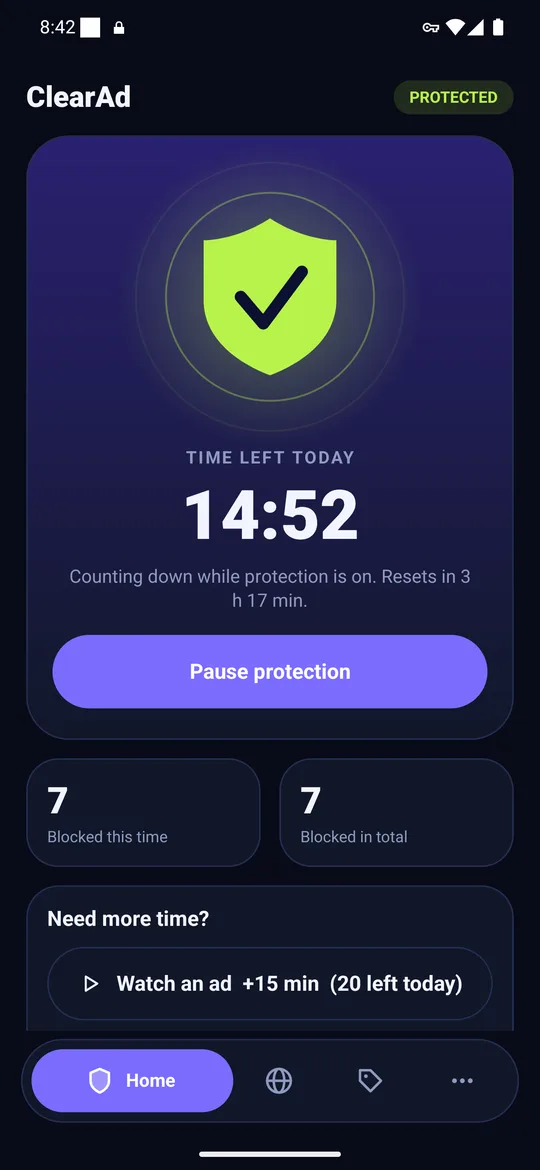
Play also requires apps that charge for features or subscriptions to use its billing system, and does not allow steering users to other payment methods. That is why ClearAd, which sells plans on WhatsApp, is distributed outside Play; one listing cannot do both.
Where to get a blocker safely
- The developer's own website. Check the address carefully; copycat sites exist.
- F-Droid for open-source apps.
- Other app stores such as Samsung Galaxy Store, Xiaomi GetApps or Huawei AppGallery, where the developer has published.
- Never a random APK mirror, and never a "modded" or "premium unlocked" version.
Then follow our checklist for installing an APK safely, including checking the file's SHA-256.
What does stay on Google Play
Browsers that block ads inside their own pages, and content blockers that plug into specific browsers, remain available. They are useful for the web but do not touch ads in other apps. If you want blocking inside games and apps without installing outside Play, the built-in Private DNS setting is the alternative.
Frequently asked questions
Why is there no AdGuard on Google Play?
AdGuard says its full Android app was removed from Play on 25 November 2014; only its browser Content Blocker stays on Play.
Are ad blockers against Google Play rules?
System-wide blockers are: the Device and Network Abuse policy lists blocking or interfering with another app displaying ads as a violation.
Is it safe to install an ad blocker outside Google Play?
It can be, if you use the developer's official site or a trusted store and verify the file. Avoid APK mirror sites and modded versions.
Block ads in your apps with ClearAd
No root. 15 free minutes every day. Blocks most ads, not all. Installed from this site as an APK.