On this page
- Ads are downloaded content and count against your data plan.
- Video ads use far more than banners.
- We do not quote a savings figure because it varies by app and region.
- You can measure your own savings in Android's data usage screen.
On a prepaid data plan, every megabyte counts. An ad is not magic: it is a file your phone has to download, usually along with scripts that decide which ad to show and track whether you saw it. So yes, ads use data. The honest question is how much, and the honest answer is that it depends on you.
What an ad costs in data
- Banners are small images plus a script. Cheap individually, but they refresh.
- Full-screen interstitials can be larger images or short videos.
- Video ads are the heavy ones, and rewarded video ads in games can add up.
- Trackers make many small requests that cost little each and add up across apps.
We deliberately do not quote a percentage of data that ads use. Published figures vary widely by app, country and the time they were measured, and a made-up number helps nobody. Measure your own phone instead.
A two-week test you can run yourself
- Open Settings, Network & internet, Data usage (or your phone's equivalent) and note mobile data used by your top five apps this cycle.
- For one week, use the phone normally without an ad blocker.
- Note the same five apps' mobile data over seven days.
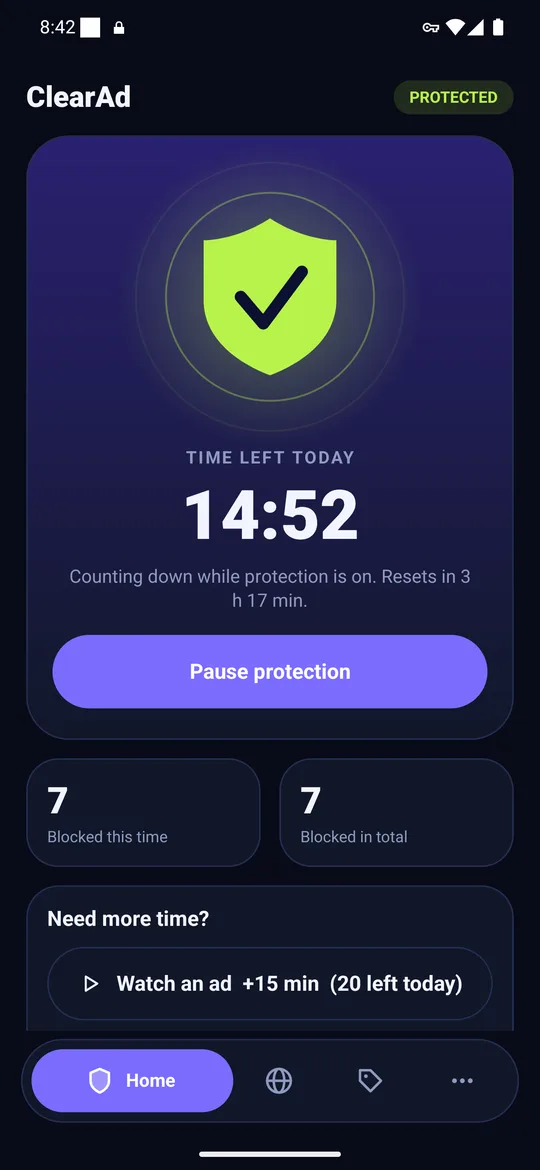
- For the next week, use a DNS blocker, such as ClearAd or a filtering Private DNS hostname.
- Compare the two weeks. Differences from your habits will show up, but a steady drop in ad-heavy apps is a real signal.
Battery and speed too
Downloading and running ad code also costs battery and slows page loads. A DNS blocker cuts the downloads before they start. ClearAd processes only the small lookup packets, so we target under two percent of battery per day, and we are still measuring that on real phones.
What blocking does not save
Ads served from the same server as the content, such as video ads inside the YouTube app, still download. That is a limit of DNS filtering, explained in how DNS ad blocking works.
Other ways to save data
- Turn on Data Saver in Android settings.
- Restrict background data for apps you rarely use.
- Download music and maps on Wi-Fi.
- Lower video quality on mobile data.
Frequently asked questions
Do ads use data on Android?
Yes. Ads are downloaded images, scripts and videos, so they count against your mobile data.
How much data do ads use?
It varies widely by app. Video ads use the most. Measure your own phone with a before-and-after test.
Does an ad blocker save battery?
It can, because the phone downloads and runs less ad content. The saving varies by usage.
Block ads in your apps with ClearAd
No root. 15 free minutes every day. Blocks most ads, not all. Installed from this site as an APK.